ARMIES
Army library
See the troops, spells, siege machines and hero loadout. Copy the army that fits you with a real game link.
Explore armies ↗

 Clash Compass
Clash Compass
Choose your Town Hall, inspect a layout and use its original game link. This guide explains the copy steps and common reasons a layout cannot be opened.
Open your level from TH11–TH18 in the base library. Switch to the dedicated esports collection for esports layouts.
Use the large image on the detail page. Check the suitability of your own buildings and traps in your village.
Use “Open in Clash of Clans”. The original link goes directly to the official link.clashofclans.com host; select a suitable layout slot in the game.
Check that the game is installed and up to date, that you are in the correct village, and that the link is still available. Choose another published layout if the link is unavailable.
Clash Compass
Choose your Town Hall, inspect a layout and use its original game link. This guide explains the copy steps and common reasons a layout cannot be opened.
Open your level from TH11–TH18 in the base library. Switch to the dedicated esports collection for esports layouts.
Use the large image on the detail page. Check the suitability of your own buildings and traps in your village.
Use “Open in Clash of Clans”. The original link goes directly to the official link.clashofclans.com host; select a suitable layout slot in the game.
Check that the game is installed and up to date, that you are in the correct village, and that the link is still available. Choose another published layout if the link is unavailable.
Base layouts, armies and village upgrade tools.
BASE LAYOUTS
ARMIES
See the troops, spells, siege machines and hero loadout. Copy the army that fits you with a real game link.
Explore armies ↗B.O.B.
See every B.O.B. requirement in one place. Find the upgrade to focus on and plan your path to the sixth builder.
Plan your sixth builder ↗PROFILE
Open your profile with a player tag. Review your troops, heroes and progression.
CLASH COMPASS
Haritalar, ordular ve köy gelişim araçları.
HARİTALAR
 SAVAŞ DÜZENLERİ
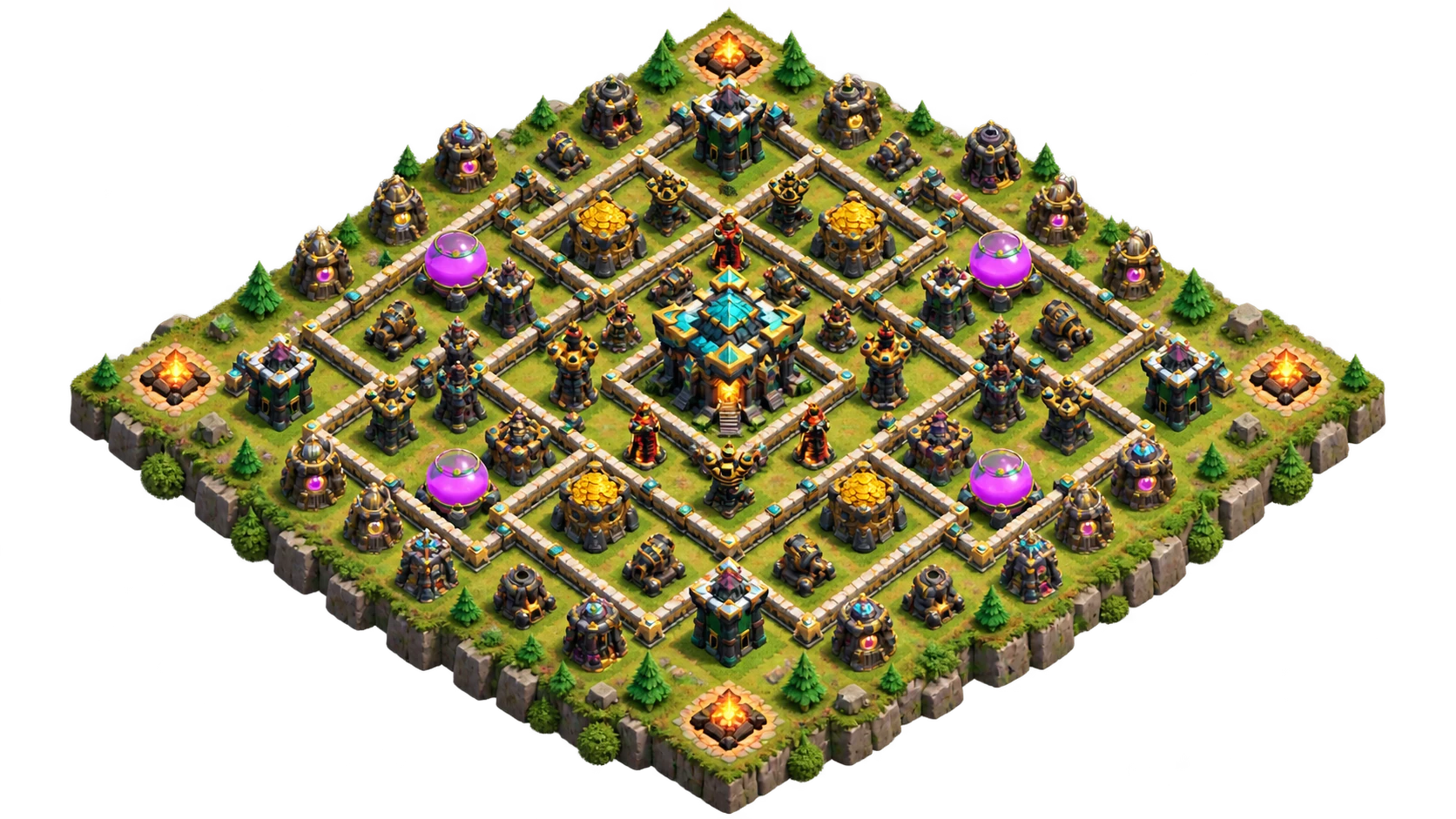
TH11–TH18 haritalarını incele, tam görseli aç ve oyun bağlantısıyla köyüne taşı.
Harita kütüphanesini aç ↗Yayınlanmış espor haritalarını kaynak ve tarih bilgileriyle incele. Koleksiyon büyüdükçe yeni düzenleri burada bul.
Espor koleksiyonunu gör ↗ORDULAR
Birlik, büyü, kuşatma ve kahraman düzenini gör. Sana uyan orduyu tek oyun bağlantısıyla kopyala.
Orduları keşfet ↗B.O.B.
B.O.B. için gerekenleri tek yerde gör. Hangi yükseltmeye odaklanacağını öğren, 6. inşaatçıya planlı ilerle.
6. inşaatçı planını yap ↗PROFİL
Oyuncu etiketinle profilini aç; birliklerini, kahramanlarını ve gelişimini incele.
CLASH COMPASS